
Fast drafts, fast finals
Draft at 1K in seconds, then ship the winner at 2K or 4K. Ideas stop waiting on renders.
Nano Banana 2.1 is live — sharper edits, cleaner text, up to 4K
Kuaishou’s Kling 3.0 — dramatic, high-energy motion from a single line of direction.
Vermeide urheberrechtlich geschützte Figuren, Logos und Musik sowie sensible oder explizite Inhalte — sie können blockiert werden.
Geschätzte Kosten: 5 Credits
Deine Kreation erscheint hier
Wähle ein Modell, beschreibe die Szene und klicke Generieren.
Why Nano Banana AI
The Nano Banana 2.1 model reads prompts like an art director — subject, composition, light, and typography — and renders images that look finished, not synthesized.
Draft at 1K in seconds, then ship the winner at 2K or 4K. Ideas stop waiting on renders.
Feed up to eight reference images — subjects, styles, and scenes stay consistent while you change exactly what you asked.
Posters, packaging, and signage come out with crisp, legible type — one of the strongest text-in-image models available.
The same studio hosts frontier video models — Muse Video, Seedance 2.5, MiniMax H3 — for when your still needs to move.
How it works
Write what you want to see — subject, style, lighting, mood. Drop reference images if you have them.
Made for

Concept art, storyboards, thumbnails, and key visuals — without waiting on a render farm or a reshoot.

Turn product shots and copy into scroll-stopping creatives for every placement and ratio.

Reshoot catalog photos in new scenes, swap backgrounds, and produce seasonal variants on demand.
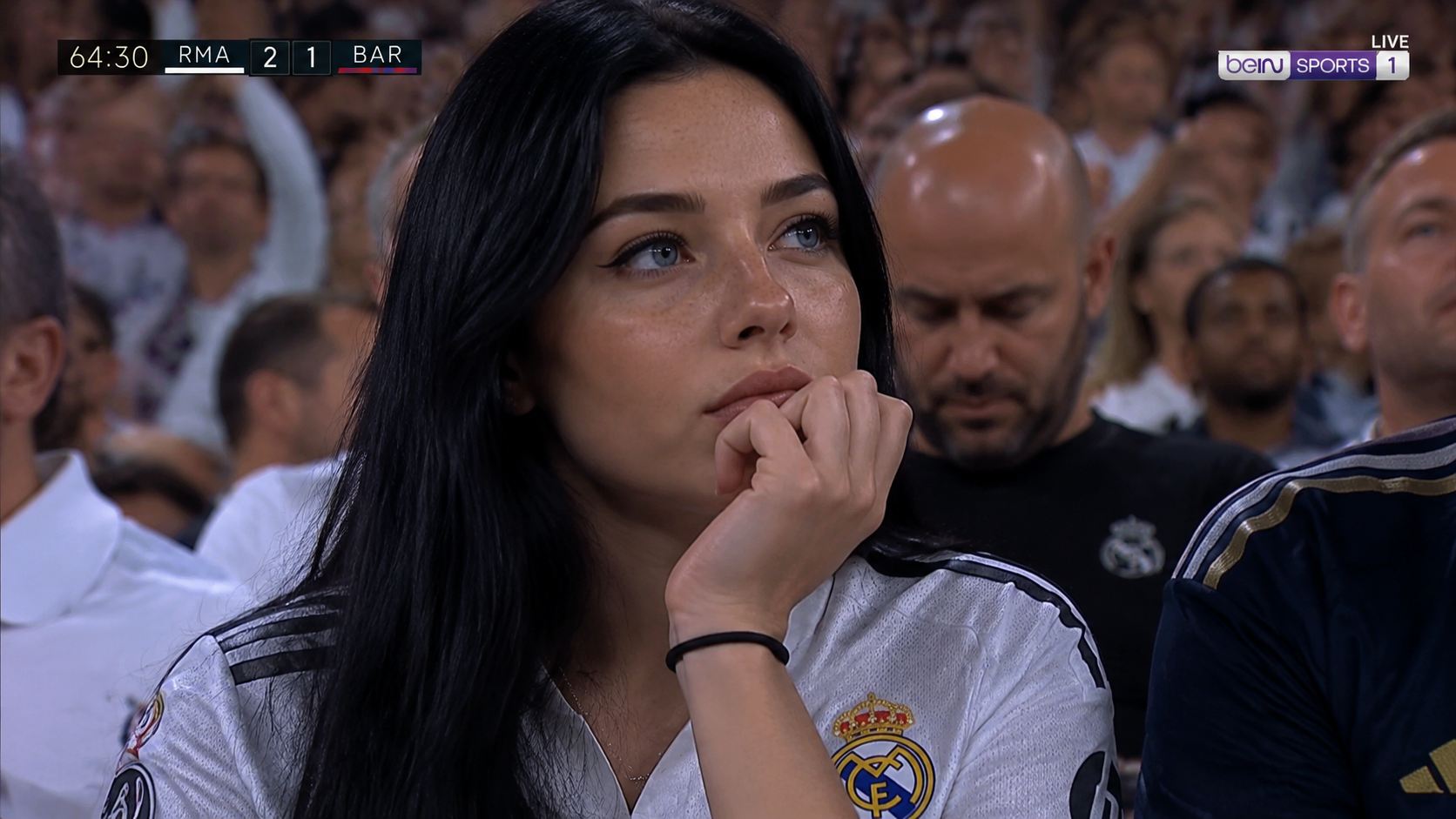
Posters, mockups, and text-accurate layouts — iterate in natural language instead of rebuilding layers.
Capabilities
Switch engines without switching tools — Nano Banana 2.1 plus the strongest public image and video models, side by side in the Nano Banana AI studio.
 Muse VideoNewMultimodales Flaggschiff-Video mit nativem Ton
 Seedance 2.5HotMulti-Referenz-Seedance mit nativem AudioSeedance 2.0Vorheriges Seedance bis 1080pSeedance 2.0 FastFastSchnellste Seedance-Stufe für Entwürfe
 MiniMax H3Schnelles Text/Bild-zu-Video bis 2KMiniMax H3 MaxHotReferenzgesteuerte Video-Konsistenz
 Veo 3.1Googles kinematische Entwurfs-Engine
 Wan 3.0Flexible Dauer und adaptiver Bildausschnitt
 Kling 3.0Dramatische Bewegung aus einem Prompt
 GPT Image 2.5NewScharfer Text und präzise Edits bis 4KGPT Image 2Vielseitige Bildgenerierung bis 4KNano Banana 2.1NewSchnelle Entwürfe und präzise Edits bis 4KNano Banana ProHotBildausgabe in High-Fidelity bis 4KNano Banana 2Schnelle Entwürfe und einfache EditsNano Banana 2 LiteFastLeichte Variante für schnelle, günstige Entwürfe
FAQ